Finder Mode
Games and tools played with your desktop icons.
First run
- Open the download and drag Finder Mode into Applications.
- Launch it and grant the macOS permissions it asks for.
- Choose a game from the Finder Mode menu bar icon.
Press Q or click Stop & restore to quit a game. While a game runs, Finder Mode hides your existing Desktop items in place with the macOS hidden flag; nothing is moved or deleted, and the items reappear when you quit.
Games
FinderMode
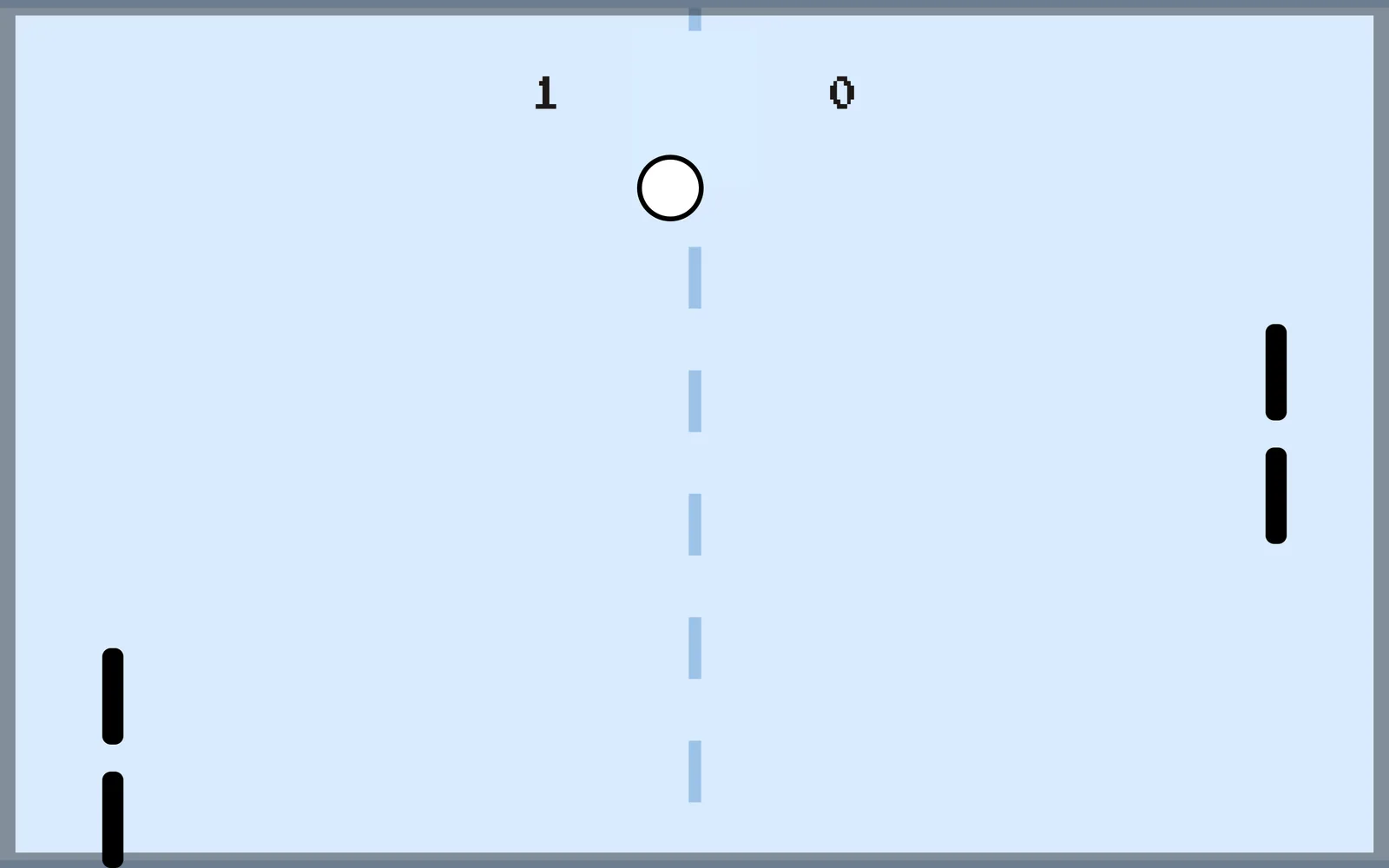
Puzzles
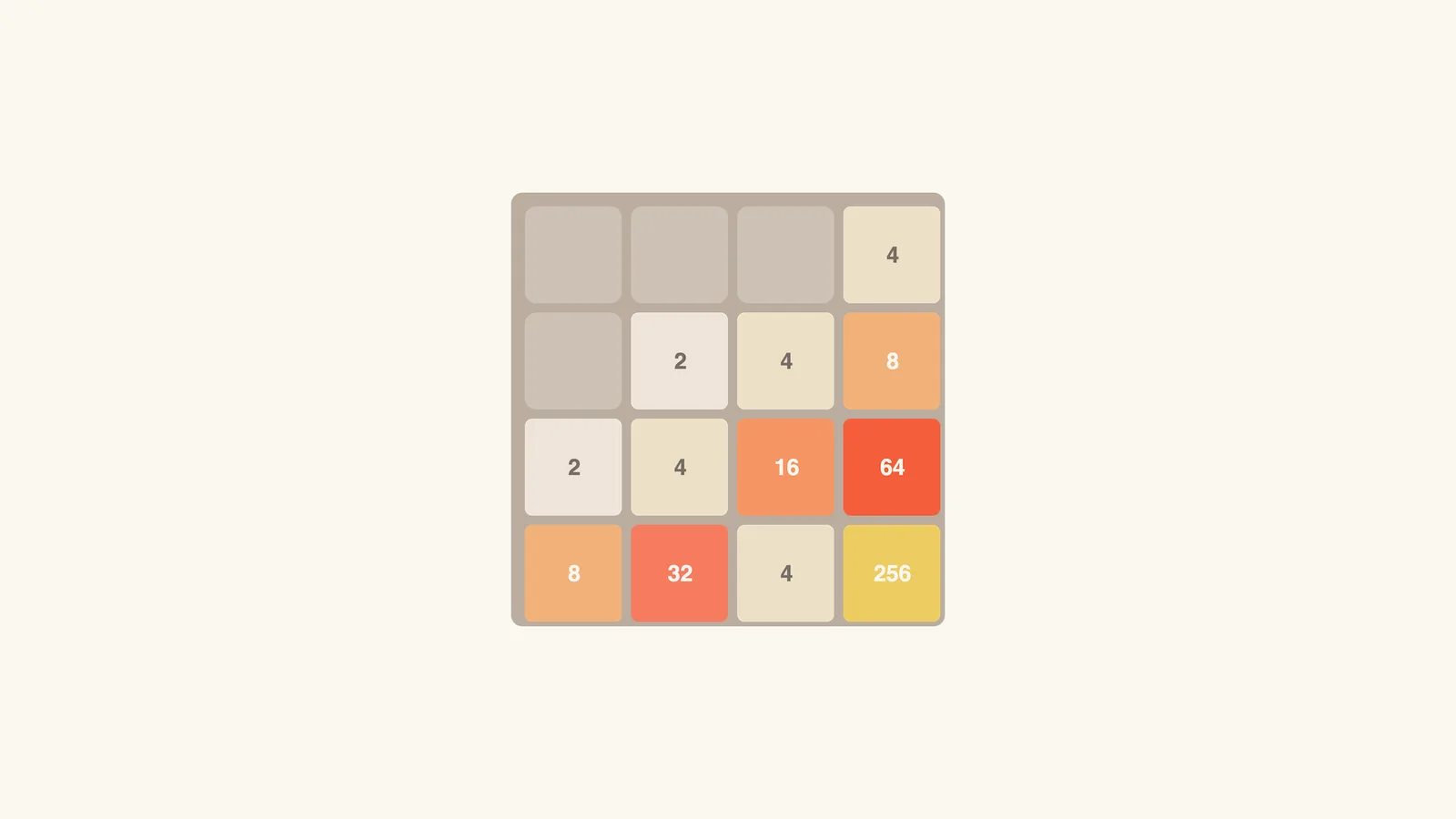
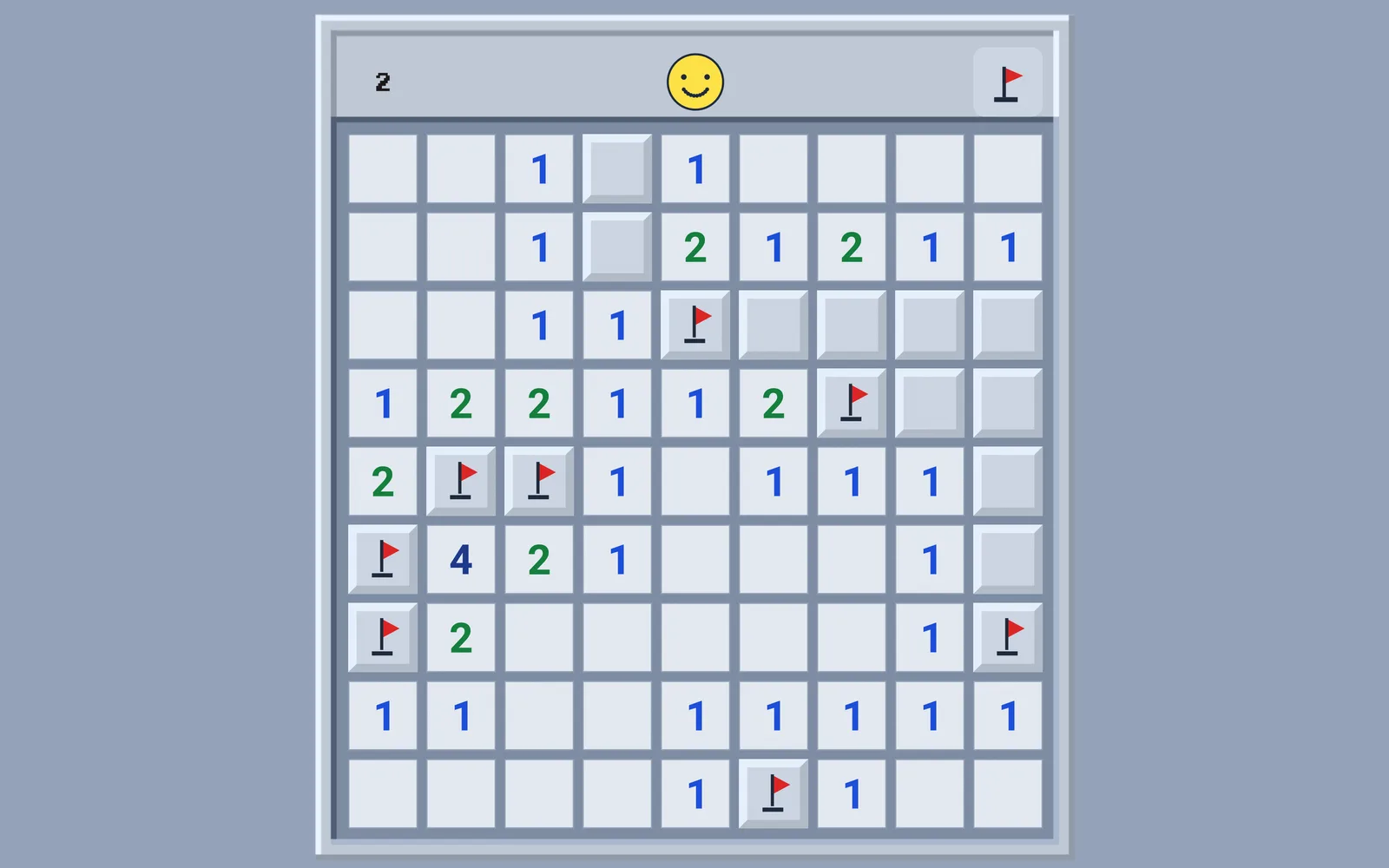
Cards & Board
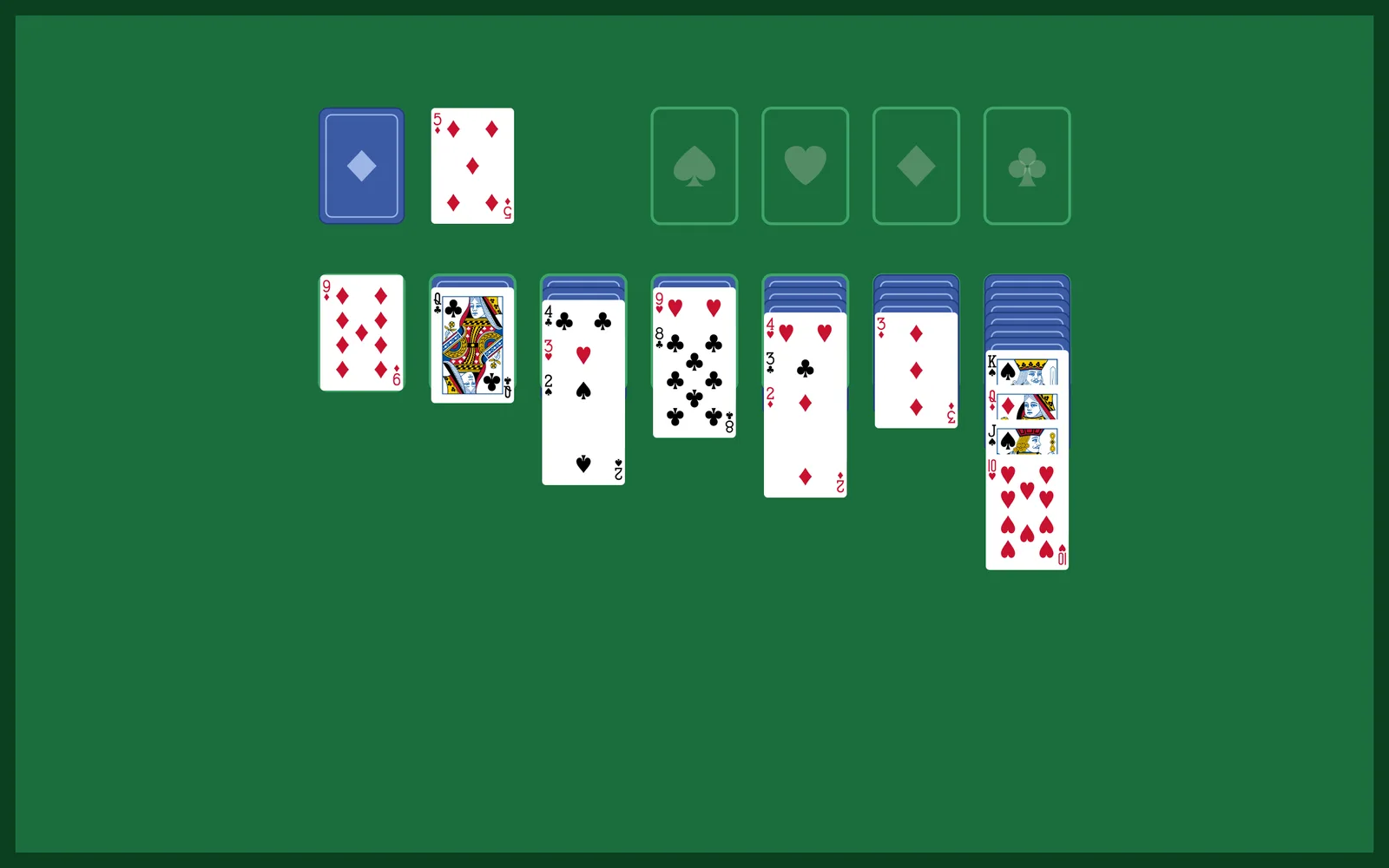
Studio
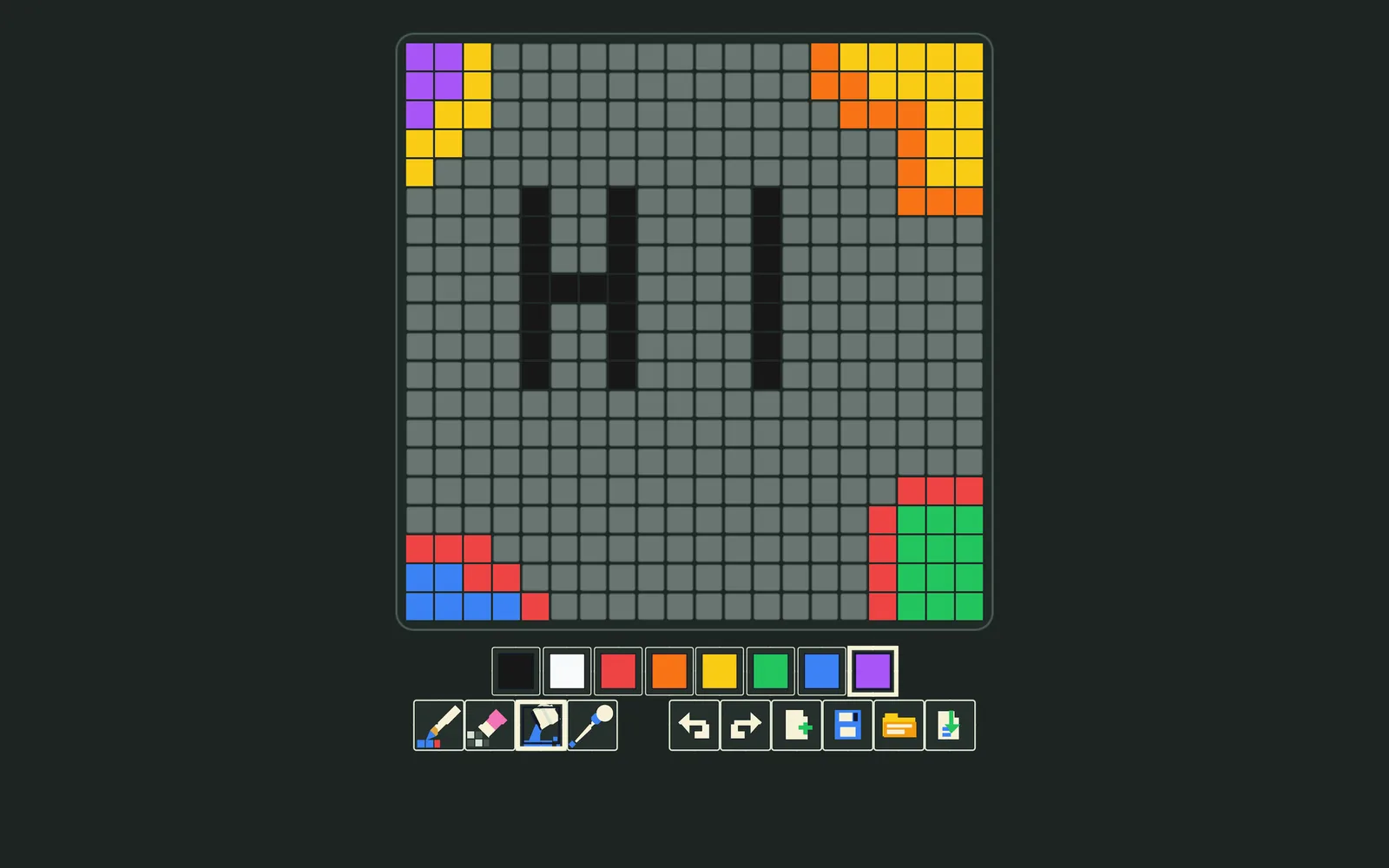
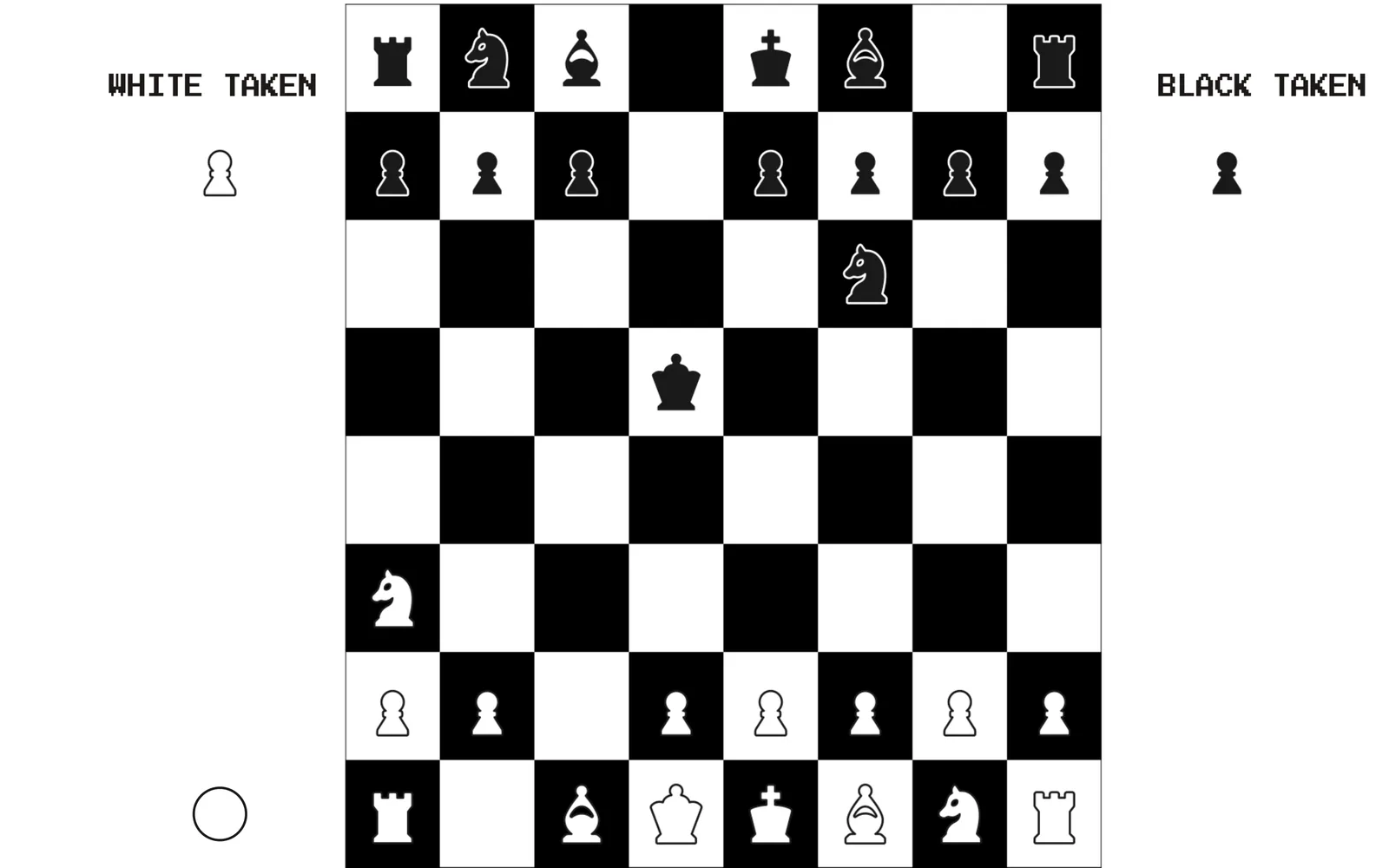
Snake, Breakout, Pong, 2048, Minesweeper, Maze, Sudoku, Crossword, Solitaire, Pixel Editor, Notebook, Terminal, Chess, and Hearts.
For release availability, see Status. To build your own, start with FileDOM.